
3D Printing for Beginners
Got a printer but don't know where to start? We've got you! Learn the basics about FDM 3D printing, filaments, and software used for 3D printing
3D printing refers to a variety of processes in which a computer-operated machine creates three-dimensional objects by joining or solidifying material, typically layer-by-layer until the whole object is complete. 3D printing is also commonly referred to as additive manufacturing.
How it Works
There are different methods of 3D printing out there, but we’ll focus on FDM 3D printing because that’s the most popular.
FDM stands for Fused Deposition Modeling, which in practice means that a continuous stream of melted material (usually plastic filament) is extruded through a nozzle and is immediately solidified, fusing with existing layers on the printing plate.
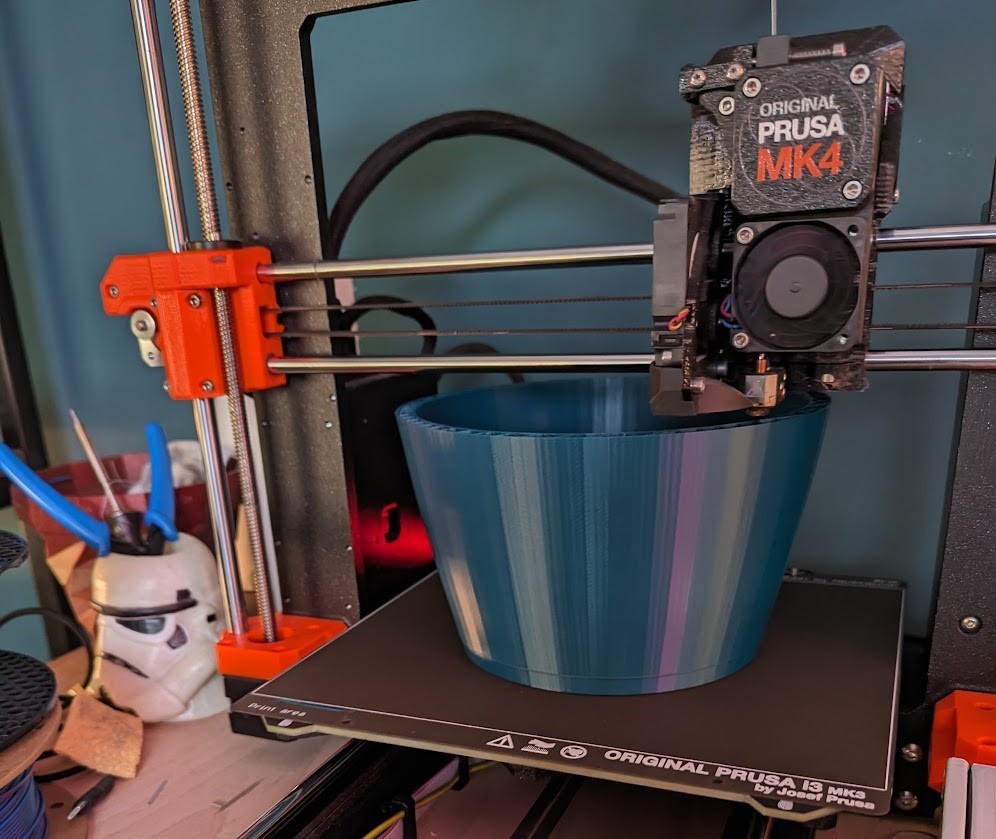
It is a slow process, but the results can be quite impressive.
3D Printing Filament
To print something with a 3D printer, you’ll need 3D printing filament. These are typically sold in rolls and measured in weight (1 kg rolls, 500 g rolls...). There are many different brands and materials, the most popular being PLA.
PLA is the most straightforward material to print, coming in all different colors and textures, from regular semi-shiny to matte, glitter, multi-color, gradient...
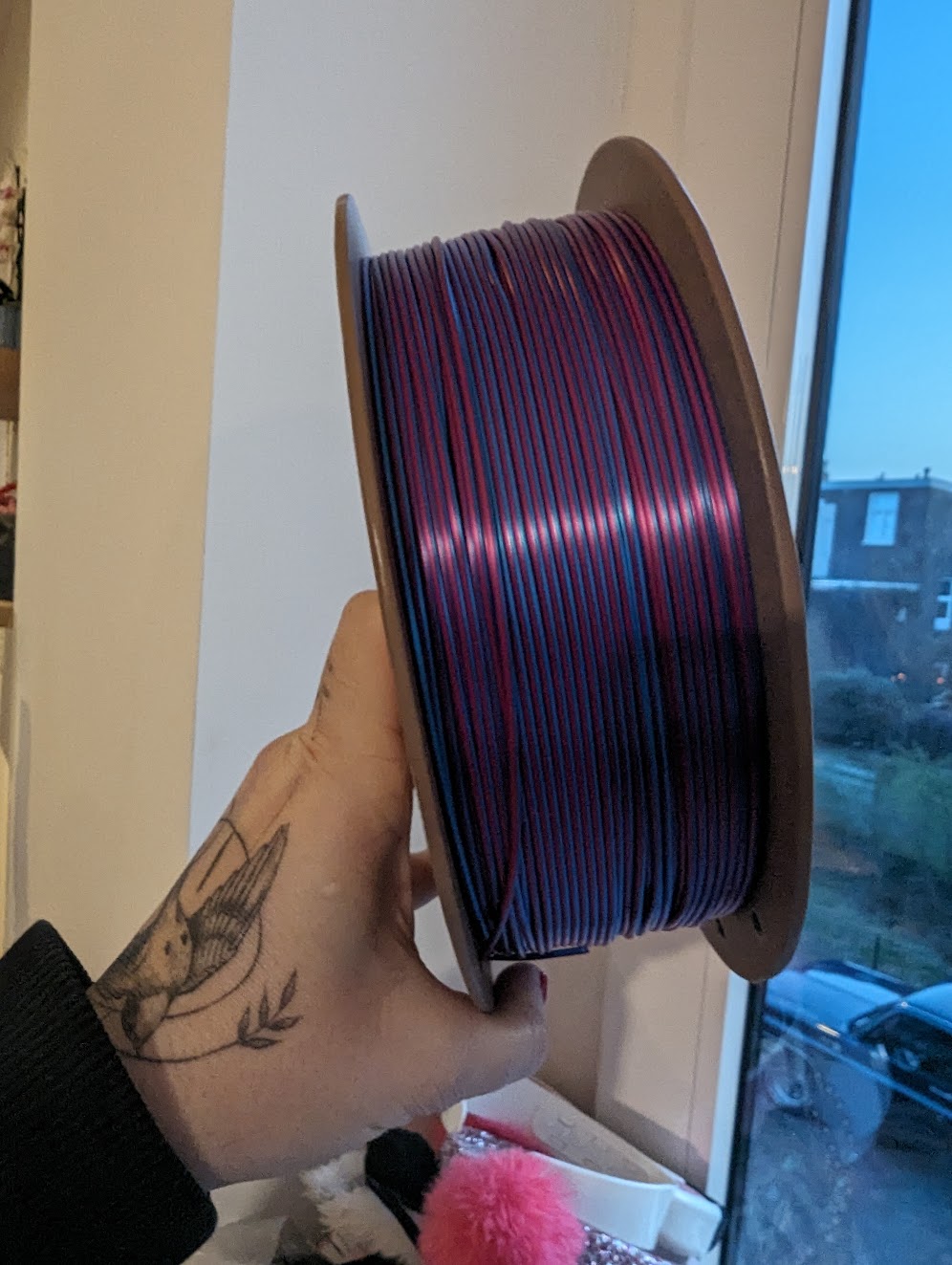
Other materials, such as ABS, can be quite difficult to print, requiring special conditions like a stable room temperature and a very hot print bed.
Another practical option that prints easily and offers a much higher resistance than PLA is PETG. PETG is suitable for things that shouldn’t break easily and stuff that must endure higher temperatures or just being exposed outdoors.
Other materials include flexible filament, copper-infused (also other metals), carbon fiber, and many more. These are typically harder to print, serving special purposes.
Multi-Material Printing
Some printers have a multi-material feature (built-in or sold separately as an add-on tool) that allows multiple filaments to be used in a single print, enabling users to print "colored" models. Because filament needs to be extruded through a hot end, it's normal that residual plastic stays in the hot-end and needs to be "wiped" before the print continues in a different filament color. Different printer manufacturers have different strategies to work with this limitation, from throwing residue away from the plate to building wipe tours.
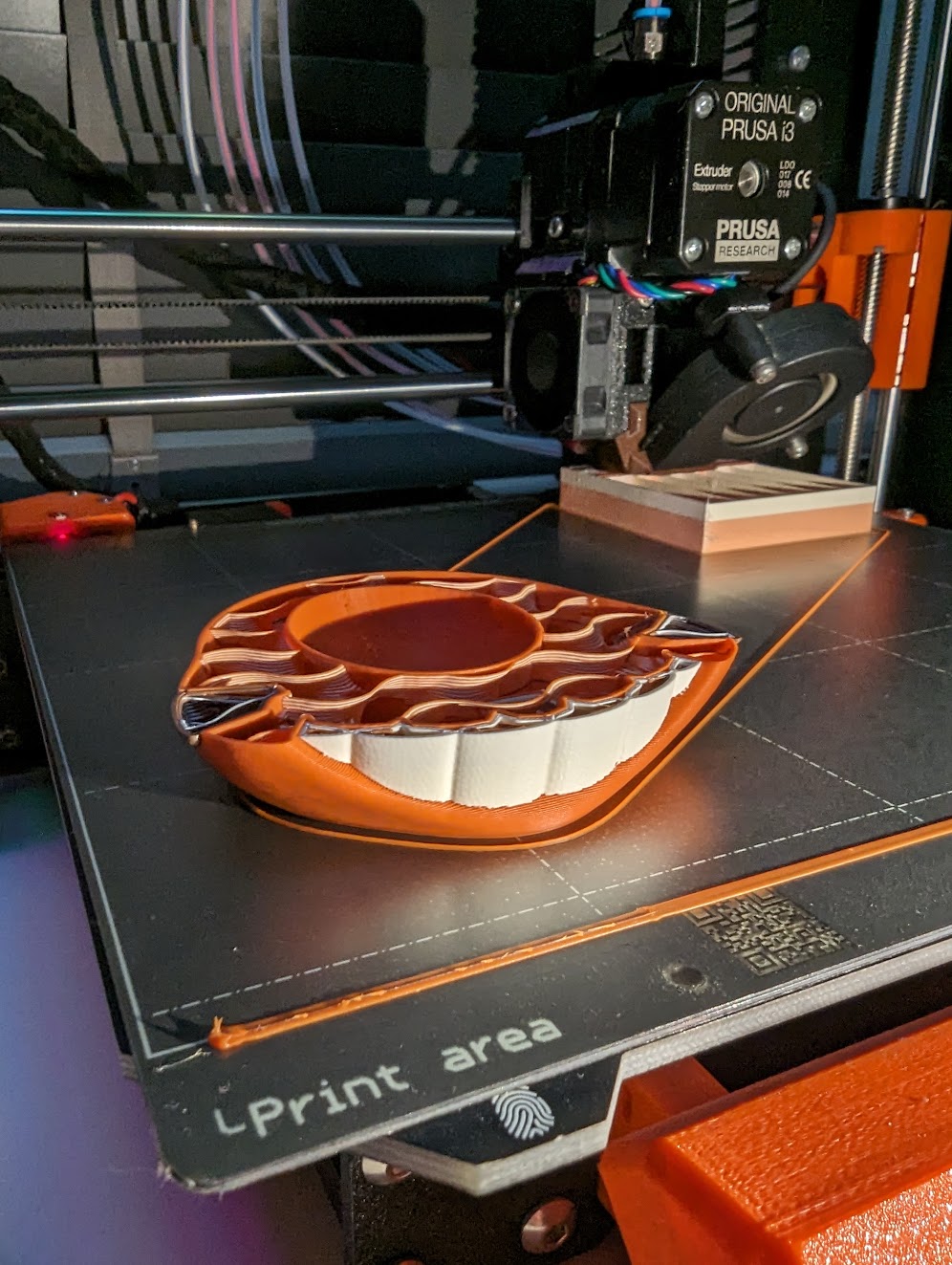
Multi-material printing takes significantly longer than single material printing (and is more prone to failure) because of those limitations, but the results are often worth the wait.
Support Material
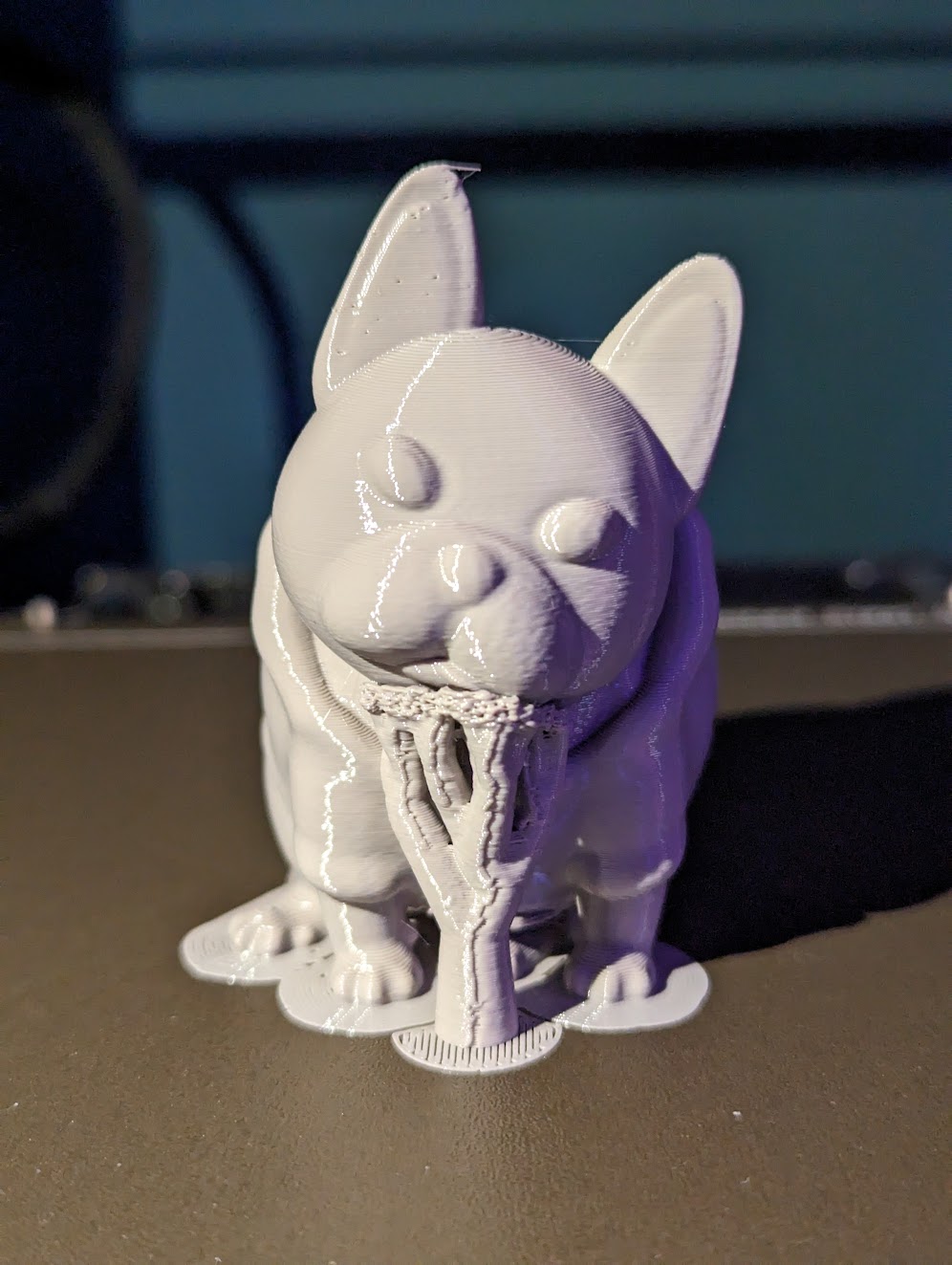
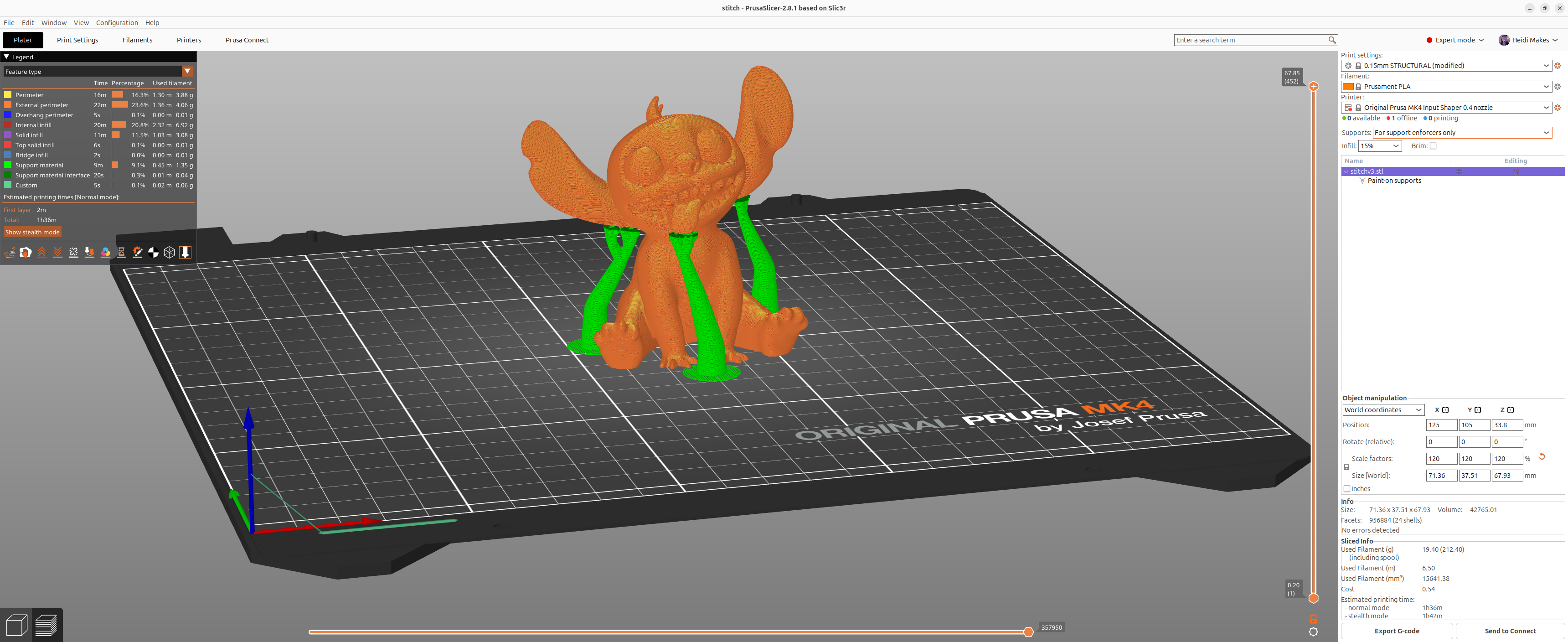
Depending on the model, you may need to add supports in order to print. This depends on the angles used in the model. Because 3D printers work layer by layer, you need to build supports around parts that are in a certain angle from the base of the print, because there's just nothing below to support the first layer, which ends up in "floating" plastic. The disadvantage is that the print takes longer, and sometimes it can leave some marks on the print.
Maintenance
3D printers require some maintenance from time to time. Upgrades are also common, which can involve exchanging parts to improve printer speed or add new features.
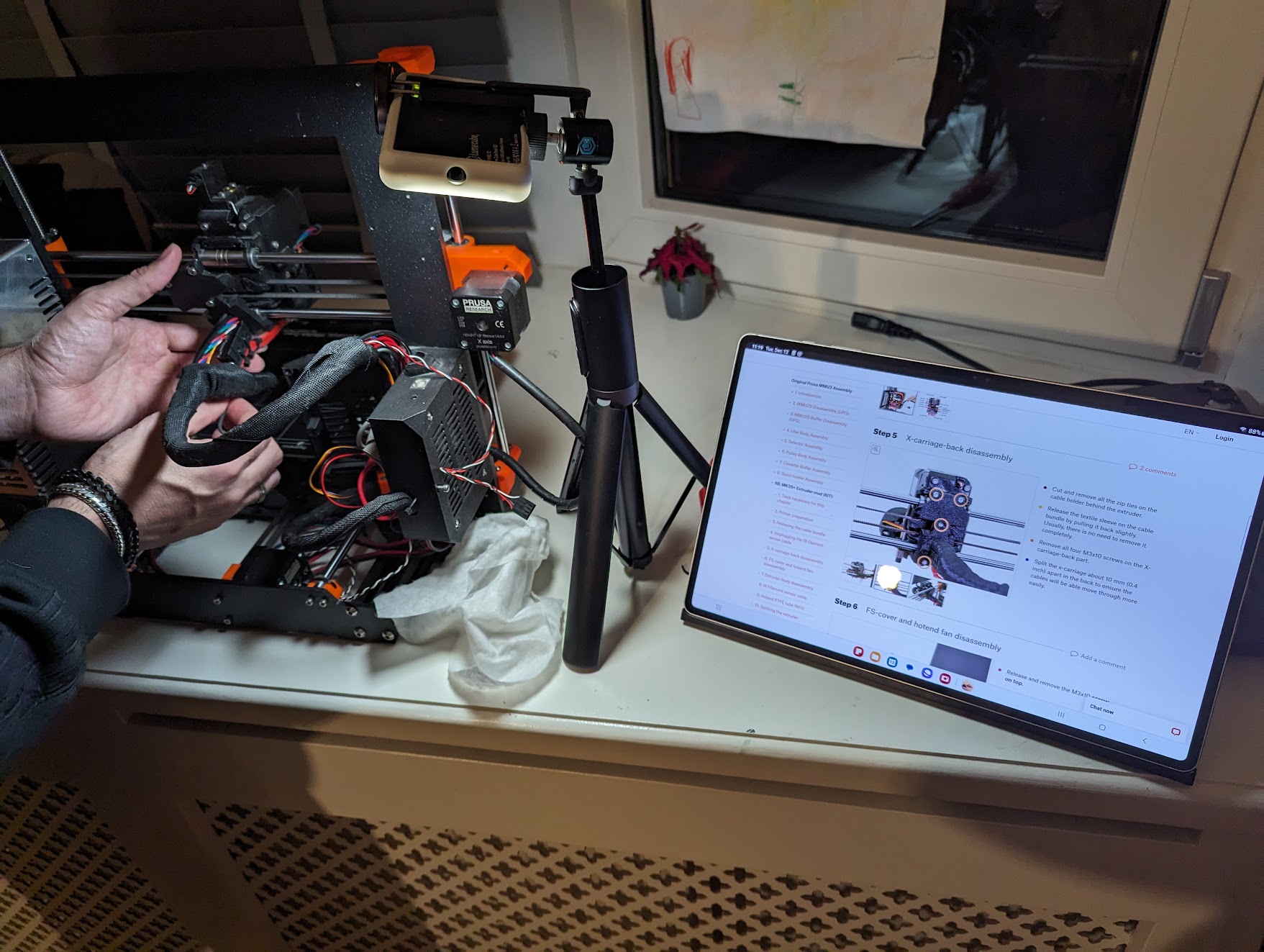
Basic maintenance tasks include cleaning the nozzle or uncloging it, re-calibrating the Z axis / first layer height, and updating firmware.
3D Printing Software
3D printing requires special software to turn the STL files we download from into actual GCODE that is understood by your 3D printer. The process of turning an STL into GCODE is called slicing. Most printers have their own recommendation of slicer program that works well with their hardware / software, but there are alternatives:
- Slic3r is a popular open source option that offers the basics and can be extended.
- OctoPrint is another popular open source slicer software that offers a web interface to control everything about your printer, with remote access that allows you to monitor your prints in real time (you can even plug in a camera!).
In summary, 3D printing through FDM technology provides an accessible entry point into additive manufacturing. By selecting the appropriate filament—whether it be the user-friendly PLA or the durable PETG—and utilizing specialized slicing software like Slic3r or OctoPrint to prepare GCODE files, you can effectively transform digital designs into physical three-dimensional objects.